A variant is one version of a song: its own sections, its own lines and its own Suno tags. Changing one variant never changes another, so a variant is how you try the same song as a stripped-back acoustic take and as a full-band version, and keep both.
1. Find the variants
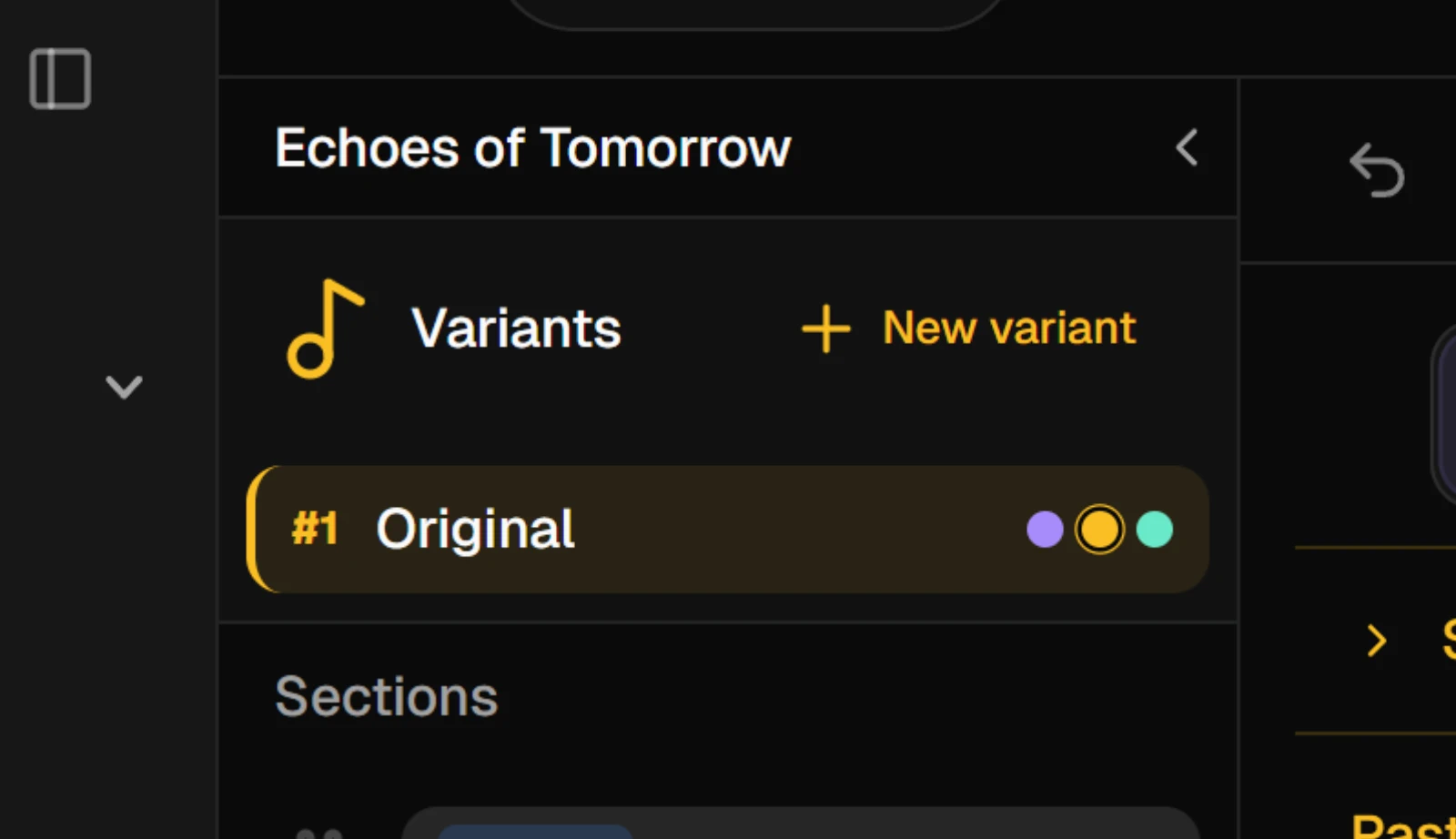
The Variants list sits at the top of the studio's left sidebar, on every tab. Each row has the variant's number, its name, and three dots for the three steps: Lyrics, Sunofy and Publish. A dot fills once the variant has reached that step, and the step you are on stands out.
Click a row to open that variant. The editor, the tags and the Publish tools all switch to it. It opens on the tab you last had it on.
2. Duplicate a variant
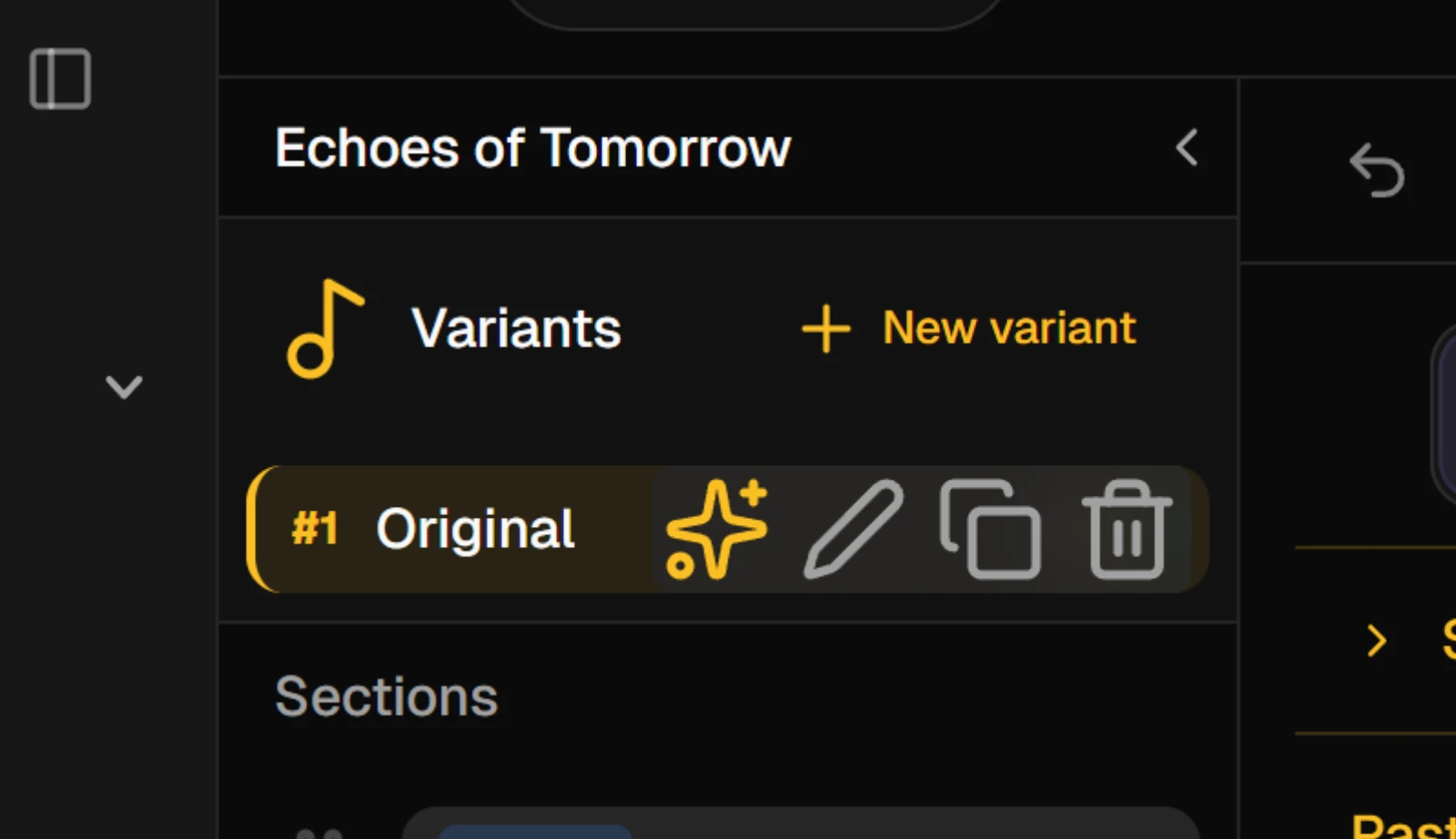
Rest the pointer on a row to show its actions:
| Action | What it does |
|---|---|
| Rename | Edit the name in place. Press Enter to keep it, Escape to cancel |
| Duplicate | Copies the sections, lines and tags into a new variant and opens it |
| Delete | Removes the variant after you confirm |
On the Sunofy tab, the sparkle icon in the same row asks the Suno Assistant to optimize all of that variant's tags.
New variant, at the top of the list, starts a variant from an empty song outline instead: Intro, Verse 1, Pre-Chorus, Chorus and Outro, with no lines.
3. Name it for the direction
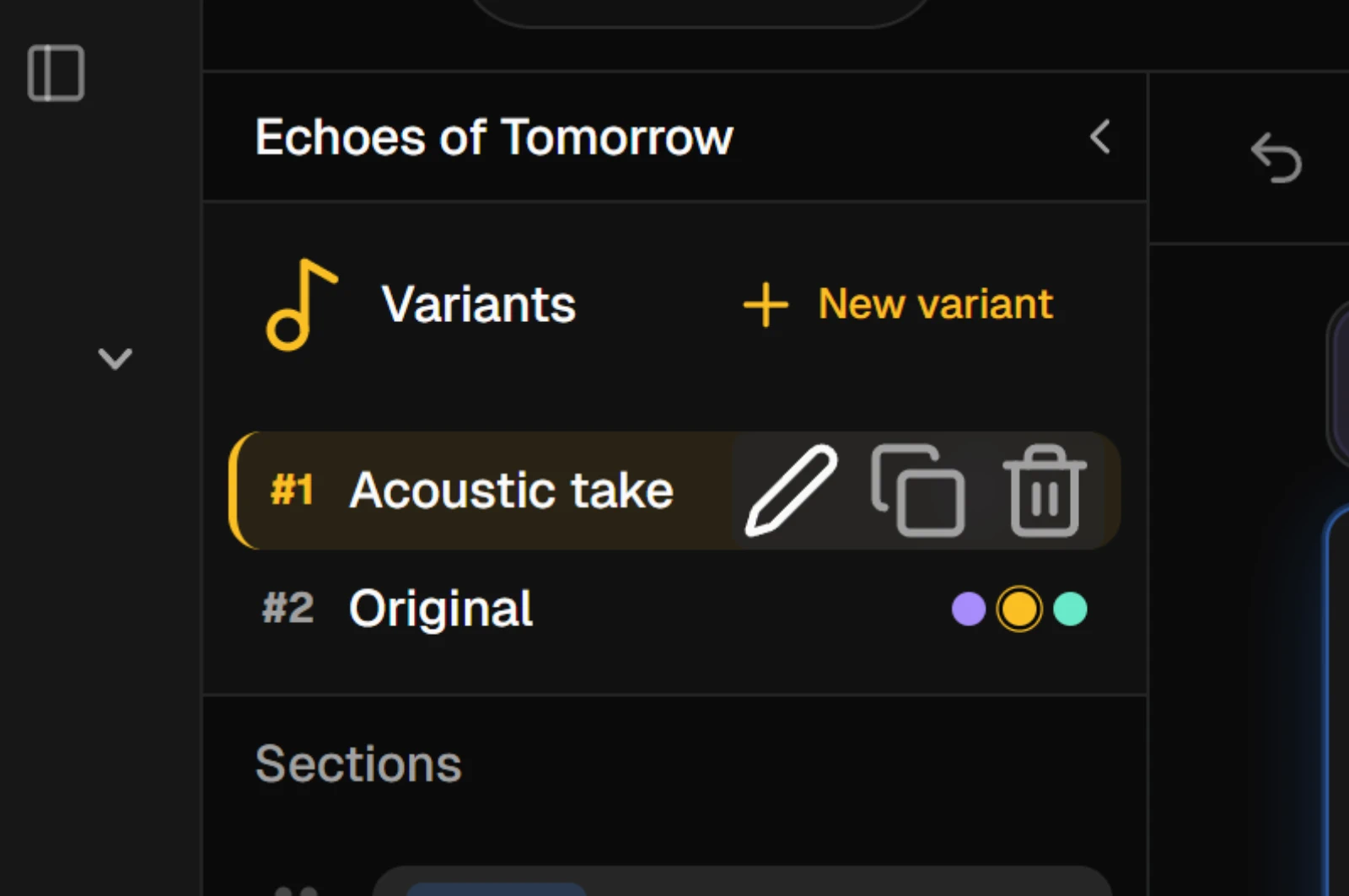
Give each variant a name that says what it is trying, such as Acoustic take or Radio edit. The newest variant sits at the top of the list.
4. Delete one you no longer need
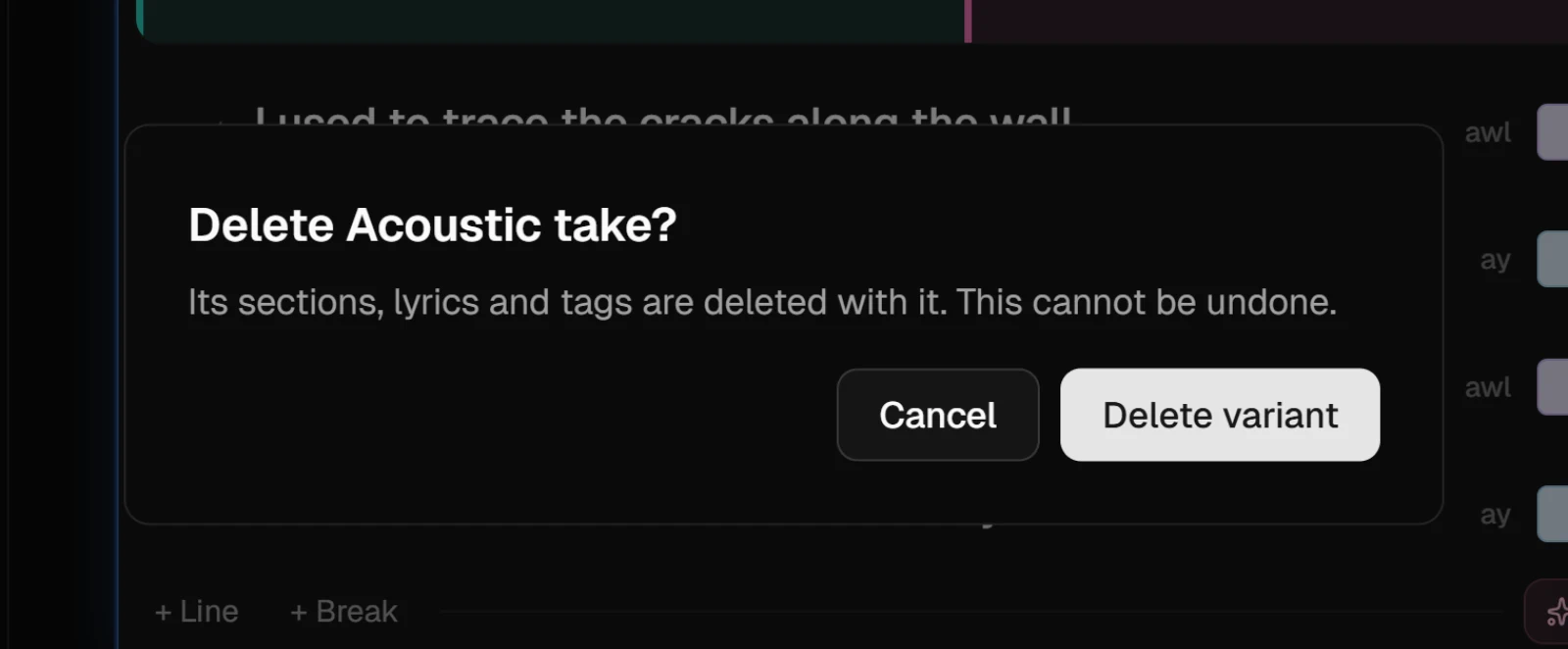
Deleting a variant deletes its sections, lyrics and tags with it, and undo does not bring them back, so Heho asks first.
NoteThe Free plan holds two variants per song, Pro holds ten, and Studio has no limit.