Heho is where you write the words of a song and get them ready for Suno. A new workspace starts with one finished song in it, Echoes of Tomorrow, so you have something to take apart before you write your own.
1. Open the sample song
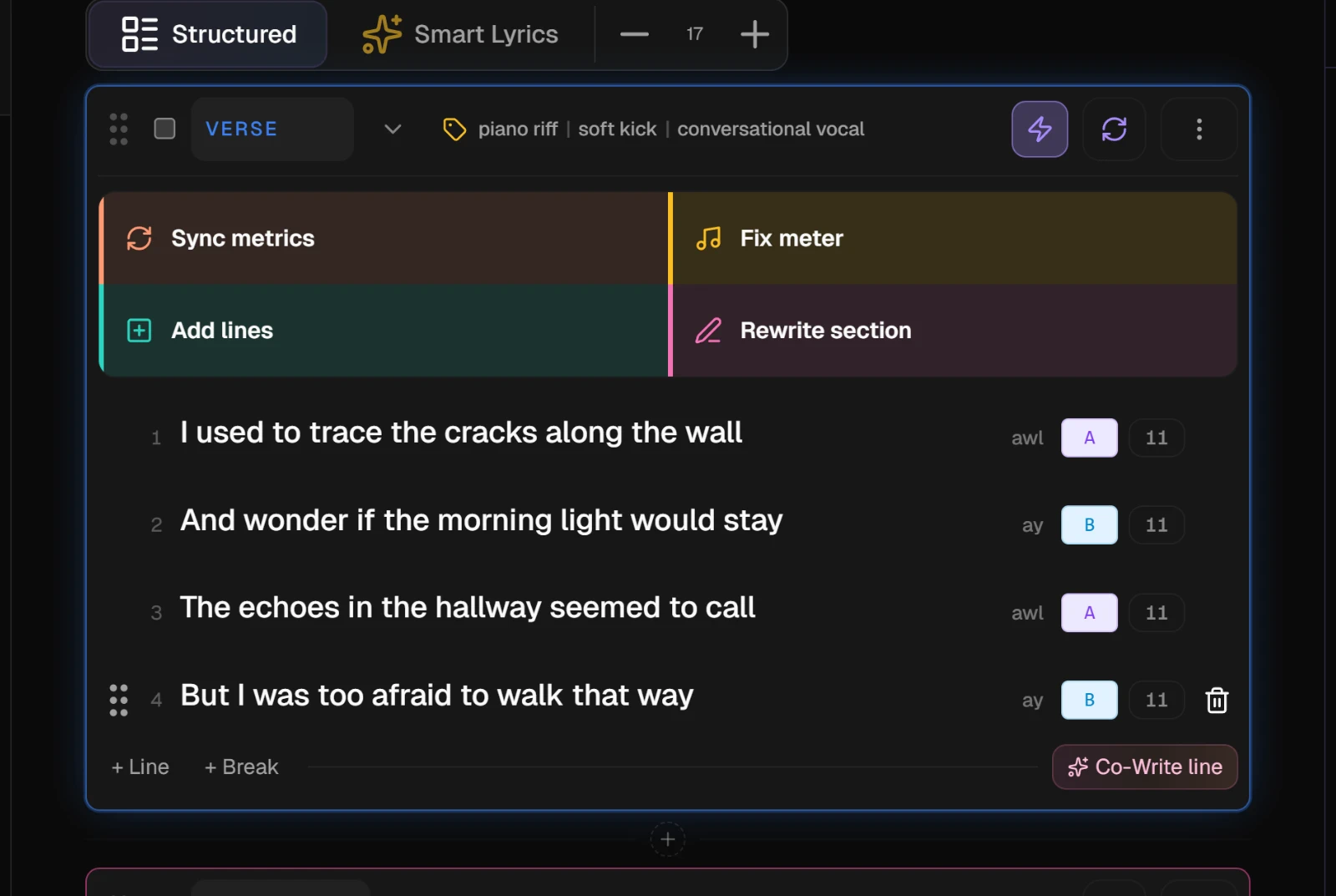
After you sign up, a short setup card covers the page while your workspace is prepared. Then the studio opens Echoes of Tomorrow on its Lyrics tab.
The first section with words has its AI actions open. They open by themselves on each visit until you run a section action anywhere in the song.
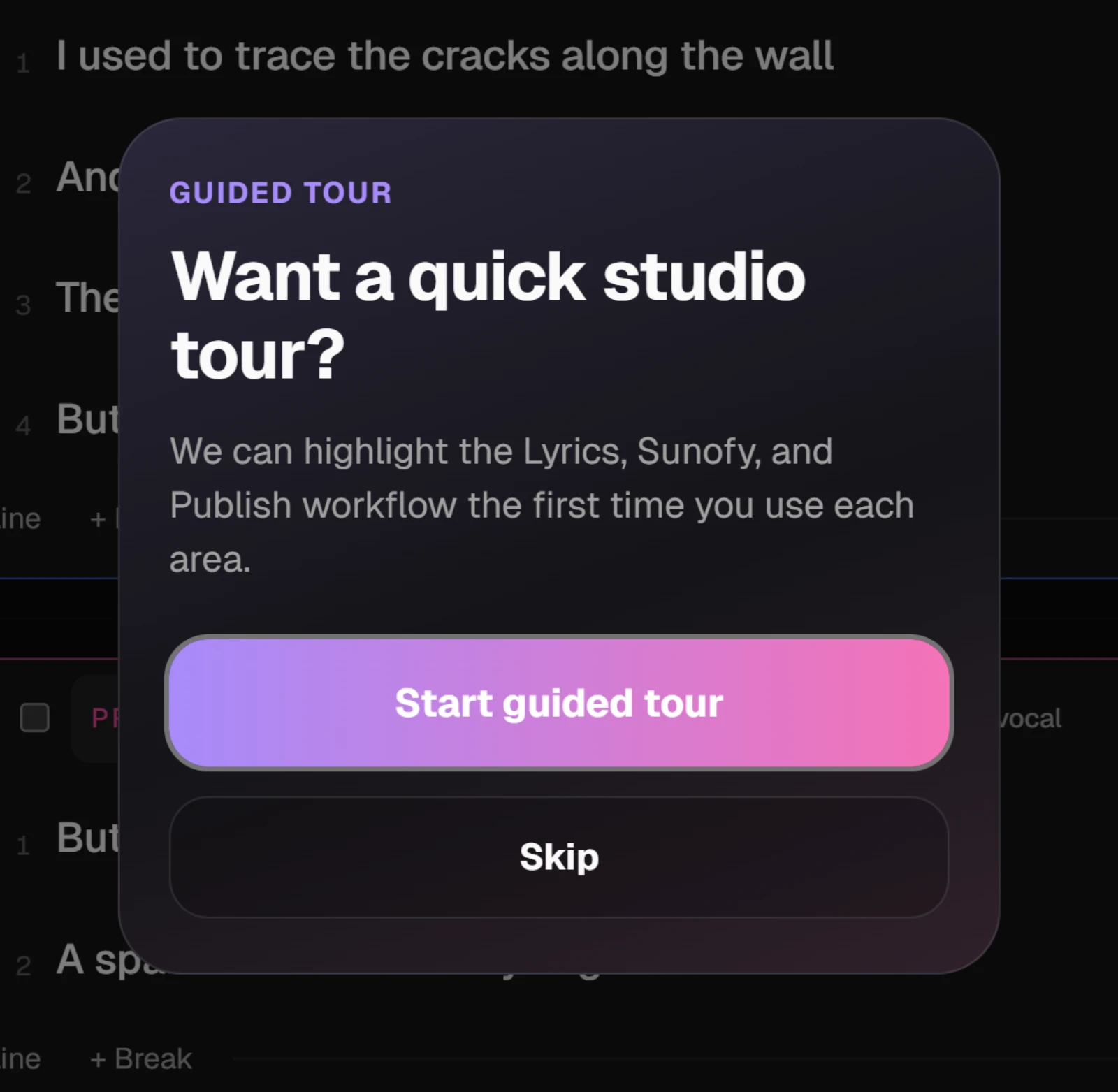
TipOn your first visit the studio offers a guided tour. Start guided tour walks through Lyrics, Sunofy and Publish, and Skip closes it. To see it again later, open your avatar menu at the top right, choose Appearance & guided tour and press Replay the guided tour.
2. Find it again in My Studio
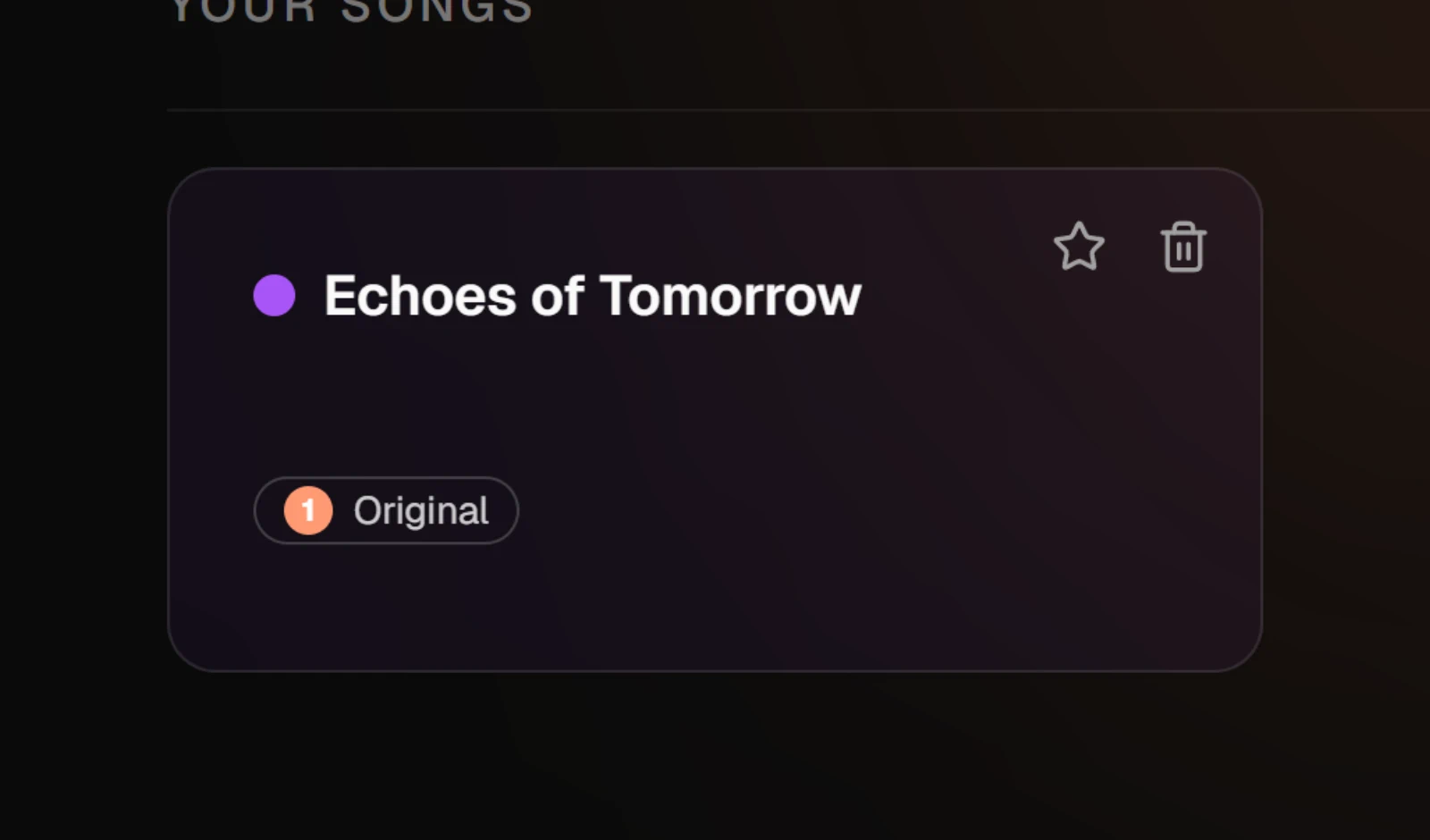
My Studio, at the top of the sidebar, is your home. The sample song sits under Your songs with everything you write after it. It is yours to change or delete.
3. Start your own song
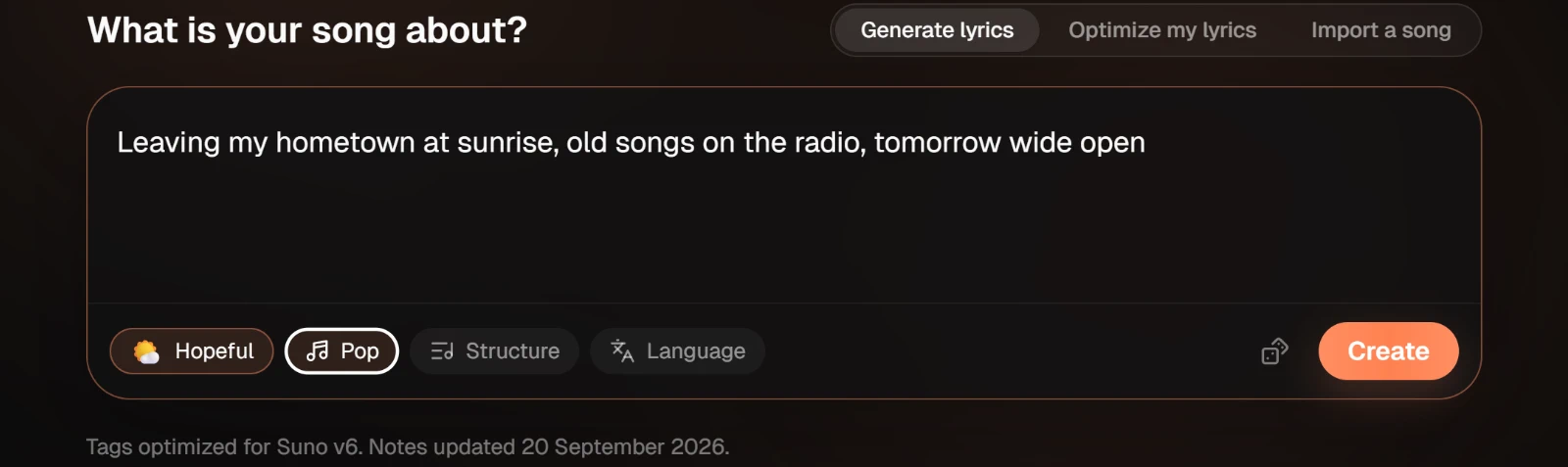
The idea box at the top of My Studio turns one sentence into a drafted song, tagged for Suno. Type what the song is about and press Create. Turn one line into a song covers the optional chips and the other two tabs.
If you would rather lay out every section yourself, New song in the sidebar opens the Song Wizard instead.
4. Work through the three steps
Every song moves through the same three steps, shown at the top of the studio.
| Step | What you do there |
|---|---|
| Lyrics | Write and fix the words, section by section, with AI help you review before it lands |
| Sunofy | Tag each section and the whole song for Suno, check the sheet, and copy it into Suno |
| Publish | Write the release copy, and sync the lyrics to the finished audio |
You can go back to any step at any time. Changing the words on Lyrics changes what Sunofy copies.

NoteThe same account works in the Heho mobile app. Some tools are web only; Web and mobile feature availability lists which.