The song search finds a song by its title or its artist and brings the lyrics into Heho, laid out as sections you can edit. Use it to see how a song you admire is built: where the chorus lands and how long the verses run.
1. Open the song search
There are two ways in.
- On My Studio, switch the idea box to Import a song. The search opens by itself, and Find a song reopens it if you close it. The imported lyrics become a new song.
- In the studio, press Find a song in the left column. The imported lyrics become a new variant of the song you have open, and the variant you were on stays as it was.
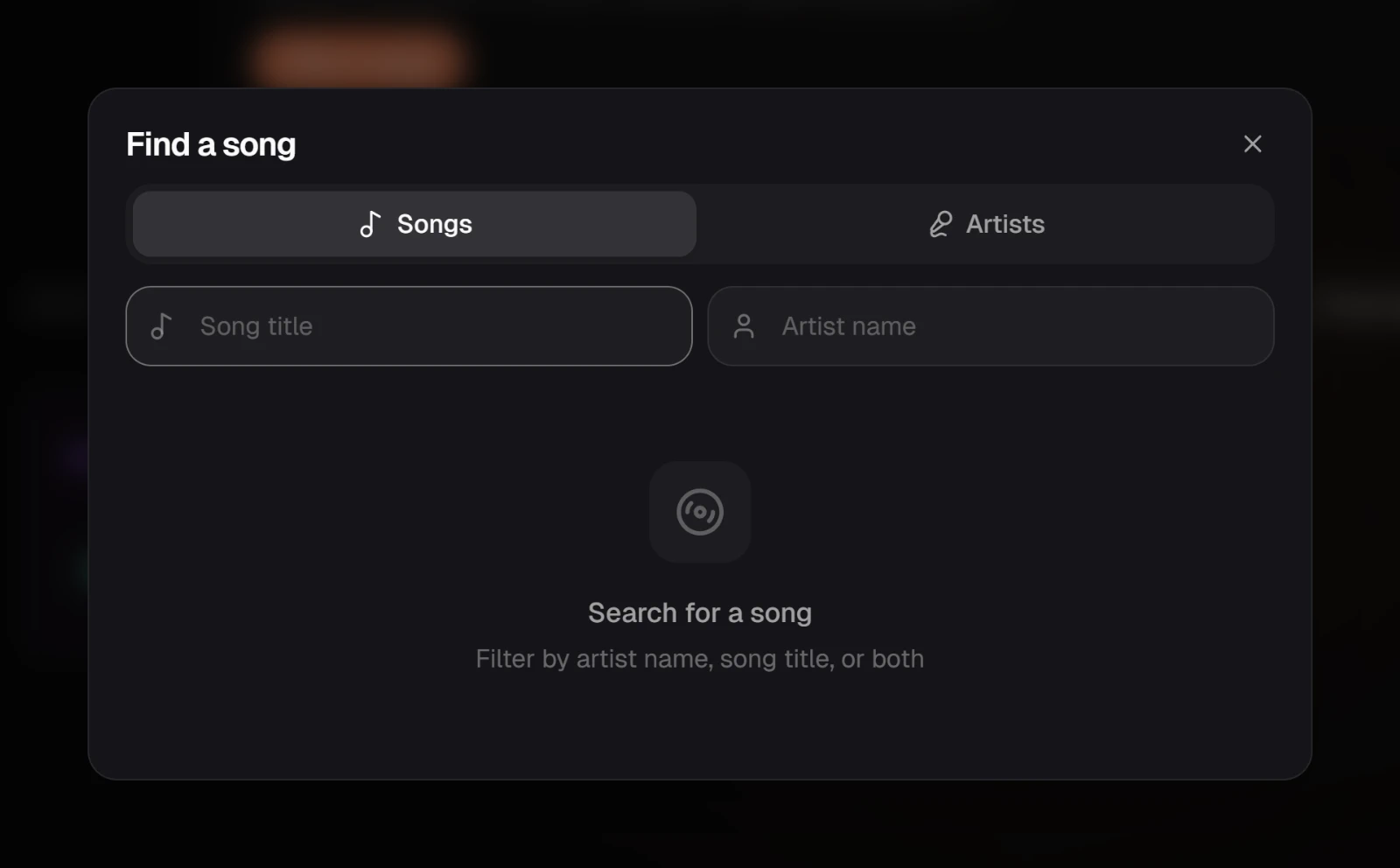
2. Search by title, or browse an artist
Type the song's title. Add the artist's name in the second field to narrow the results.
To browse instead, switch to the artist tab, search for the artist and open their card. Their songs are listed most-viewed first, with more further down the list.
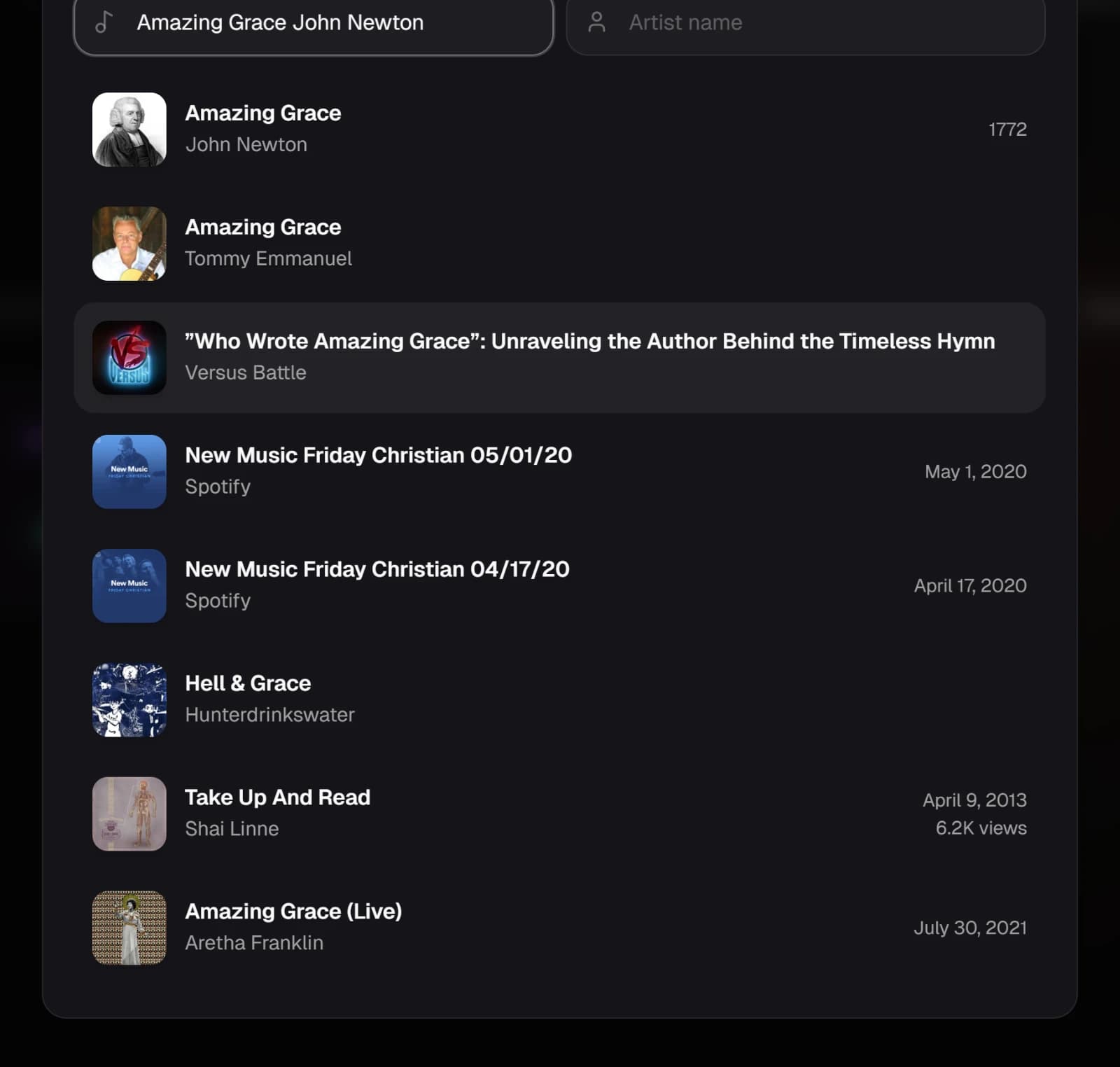
3. Check the details, then import
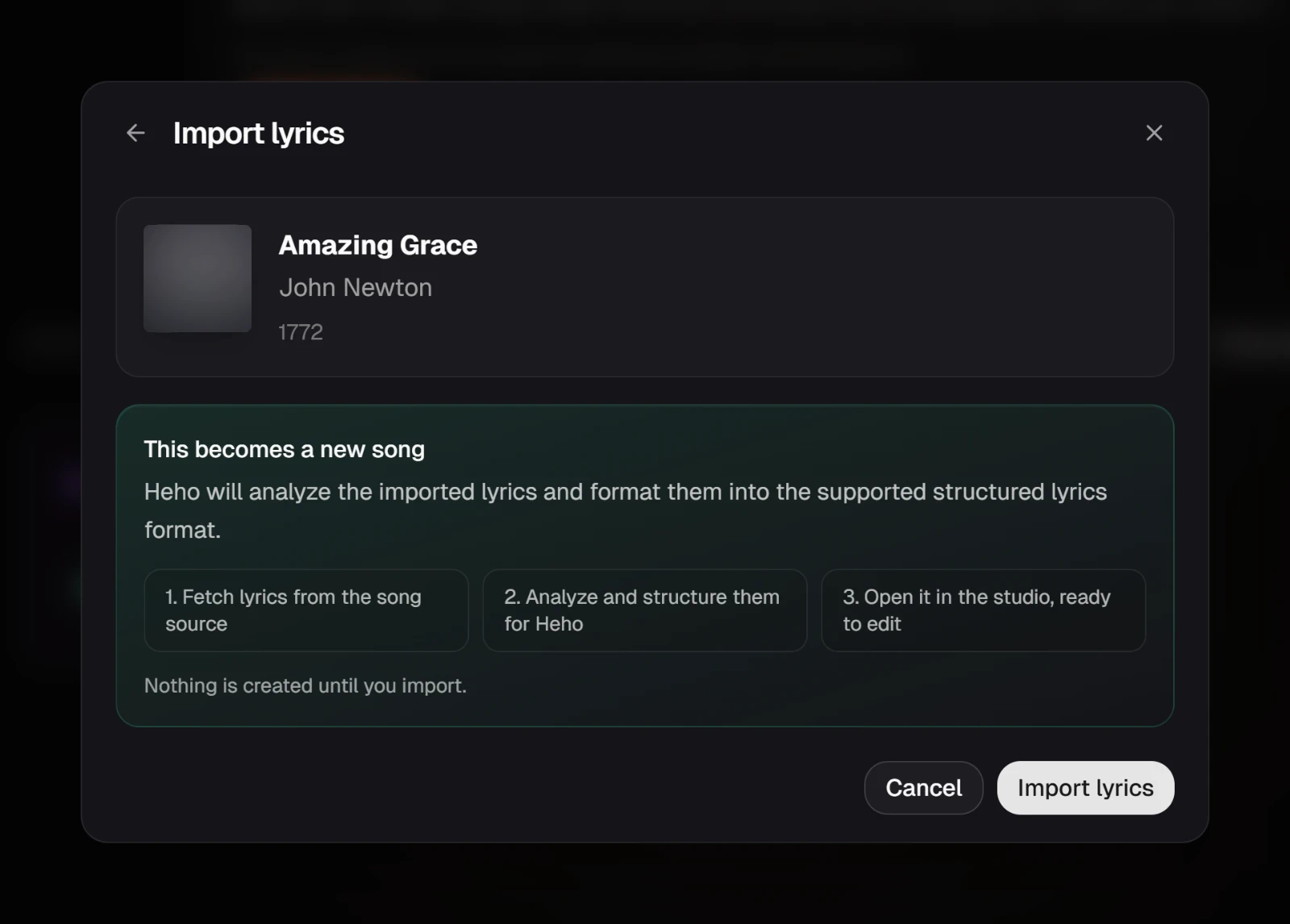
Click a song to see its title, artist and release date. The card says what happens next: the lyrics are fetched, structured into sections, then opened as a new song or saved as a new variant.
Nothing is created until you press the import button at the bottom right. Cancel closes the search without creating anything.
4. Edit the song in the studio
The search closes as soon as the import starts. From My Studio, the new song opens in the studio right away, named after itself, and its lyrics arrive a few moments later, laid out as verses, choruses and the rest. From the studio, a notice says when the new variant is ready.
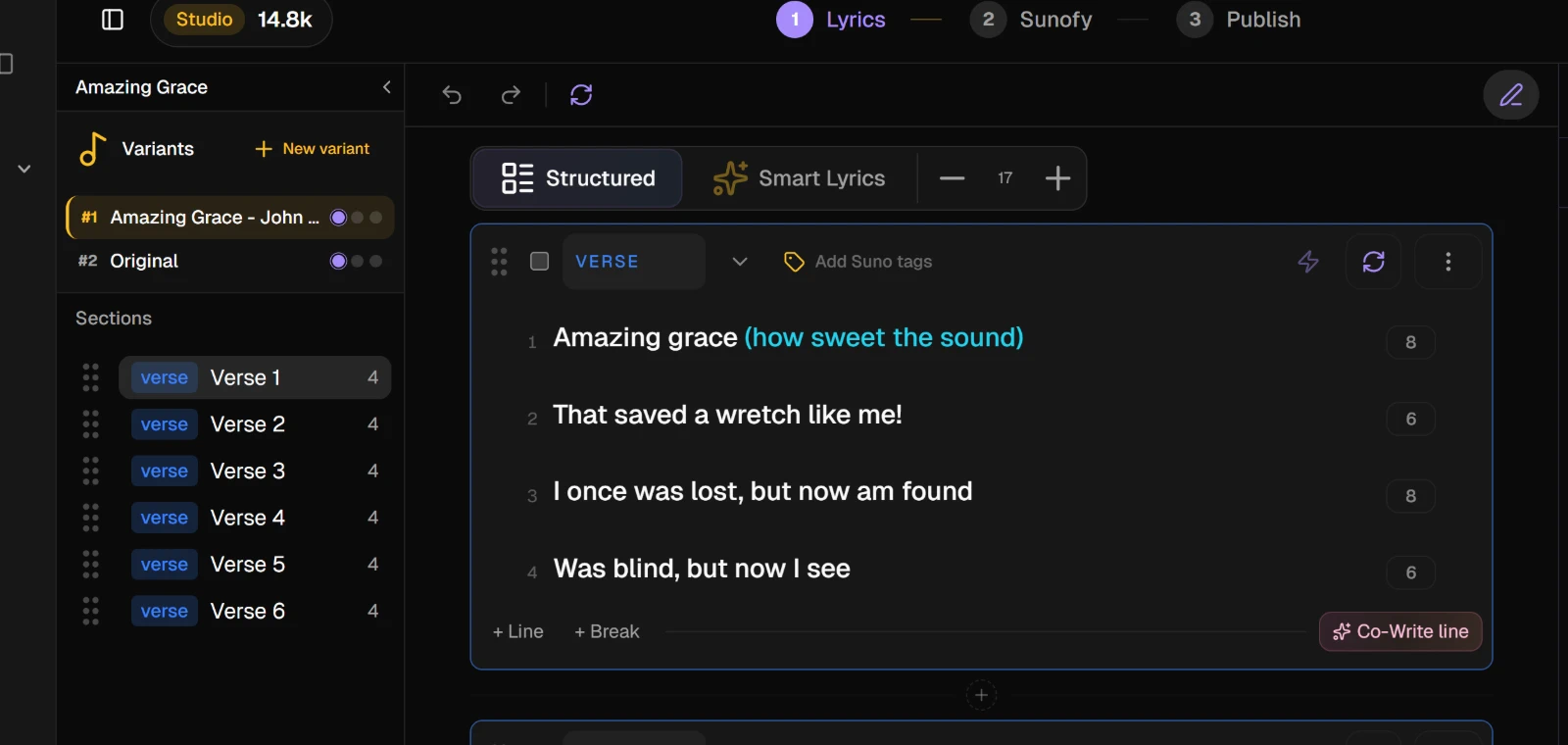
NoteThe sections are worked out from the lyrics themselves. When a song gives no clear shape, you get plain verses, and you can rename and reorder them from each section's menu.
WarningImported lyrics still belong to the people who wrote them. Study them and rework them, but do not release them as your own.
Each import uses AI credits. The search itself does not.