You have a finished track and its lyrics, and you want the song in Heho with its sections where the track has them. Clone song reads the audio and the words together, splits the lyrics into timed sections, and lets you look at the result before it replaces anything.
1. Open Clone song
Open the song in the studio. At the foot of the left column, under the Sections list, point at Import and choose Clone song.
Clone song needs a Pro or Studio plan. On the free plan the item is greyed out and marked Pro/Studio.
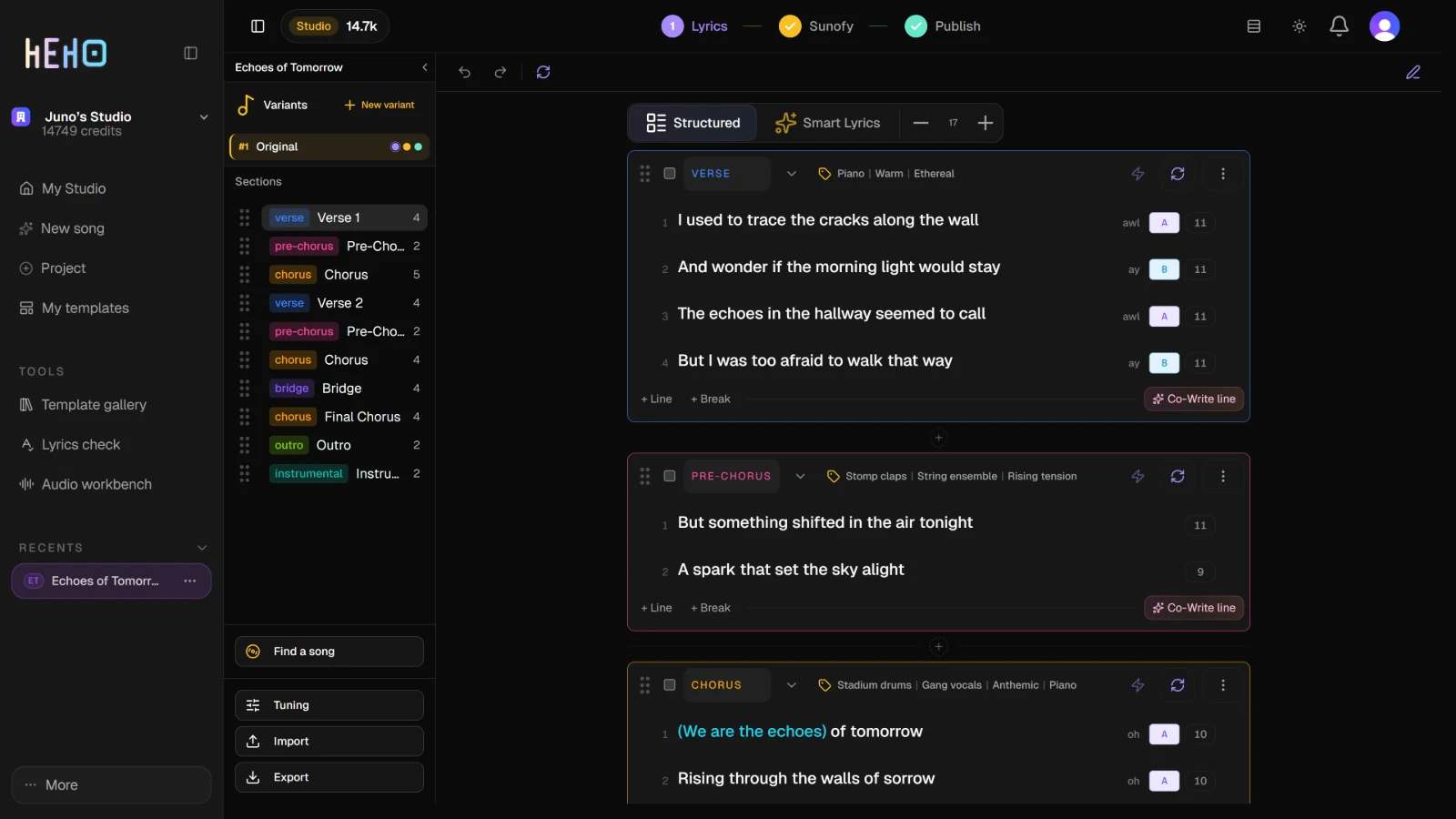
The same menu has From file and From clipboard, which load plain lyrics with no audio. Both replace the sections of the variant you have open.
2. Upload the track
The Auto Load dialog opens. In its Audio (optional) card, press Upload audio and choose an audio file. When the upload finishes, the badge reads Uploaded and the button becomes Replace audio. The file stays with the song, so it is already there the next time you open the dialog.
Clone song cannot run without it, whatever the card says. Until a file is uploaded, the dialog reads Upload audio above to enable analysis.
3. Paste the lyrics and start
Under Plain lyrics, paste the song's words as plain text, with no timecodes. The analysis lines them up with the audio and works out where each section starts and ends.
Full LLM chooses how. With No, the default, Heho first finds the breaks and instrumental passages in the audio, then places the lyrics around them. With Yes, an AI model does every step: it listens to the audio, reads the lyrics and merges the two.
Press Analyze structure. When the variant already has sections, the button reads Analyze and overwrite structure, but nothing is replaced until step 5.
4. Wait for the analysis
The dialog closes and the analysis runs in the background. The foot of the left column reads Analyzing audio..., and a pill at the top right of the studio reads Audio analysis. One analysis runs per song at a time, so pressing the button again while it runs does nothing.
You can reload or leave while it runs. Open the song again and the studio picks the analysis up, and its result is saved to the song even if it finished while you were away. If you come back 10 minutes or more after it started, the analysis is dropped with no notification, and the foot of the left column reads Analysis failed.
If the analysis fails, the bell at the top right lists it as Audio analysis failed, and the foot of the left column reads Analysis failed. too. Retry there opens the Auto Load dialog to run it again, and Dismiss clears the message.
5. Check the result, then load it
When the analysis is done, the foot of the left column reads Analysis ready, with three buttons.
- Preview opens Analysis Preview (read-only): every section it found, where each one starts and ends in the track, and its lines.
- Overwrite replaces every section of the variant you have open with the analysis. The sections arrive with names such as Verse 1, and their lines carry syllable counts and rhyme letters.
- Dismiss throws the analysis away and leaves the variant as it was.
TipOverwrite only touches the variant you have open. To keep the current lyrics, point at the variant's row in the Variants list and press Duplicate, the copy icon, first. The copy opens, and you run Clone song there.
When the default method cannot find sections in the track, it puts every line in a single Verse 1. Each analysis uses AI credits.